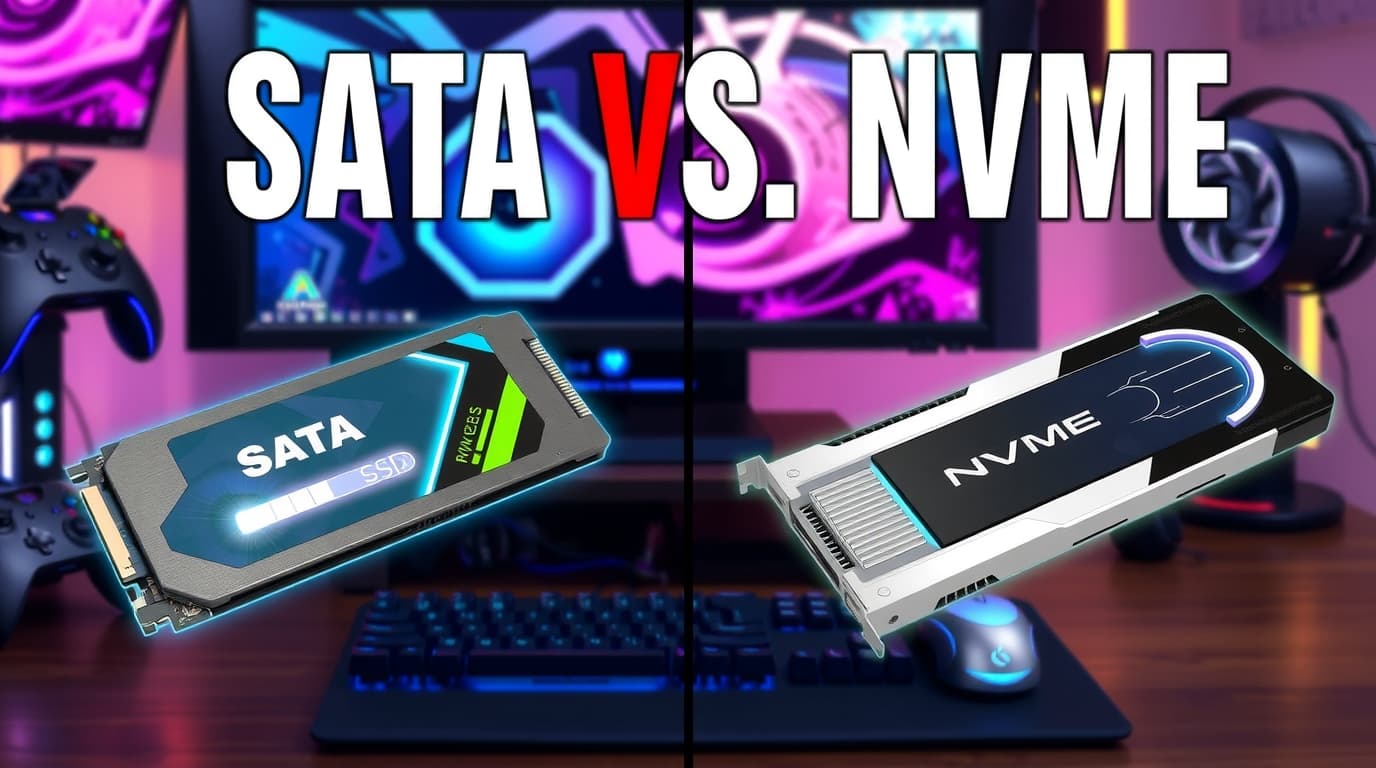
SSDs in gaming: does NVMe really make a difference?
If you’ve looked at SSD spec sheets, it’s easy to assume NVMe must transform gaming performance. On paper, NVMe delivers multiple times the sequential speed of SATA SSDs, and marketing charts often make SATA look obsolete.
Gaming workloads are different. NVMe can absolutely improve the experience—but not always in the way people expect. Here’s a clear breakdown of where NVMe matters, where the gap is small, and what to prioritize when buying an SSD for games.
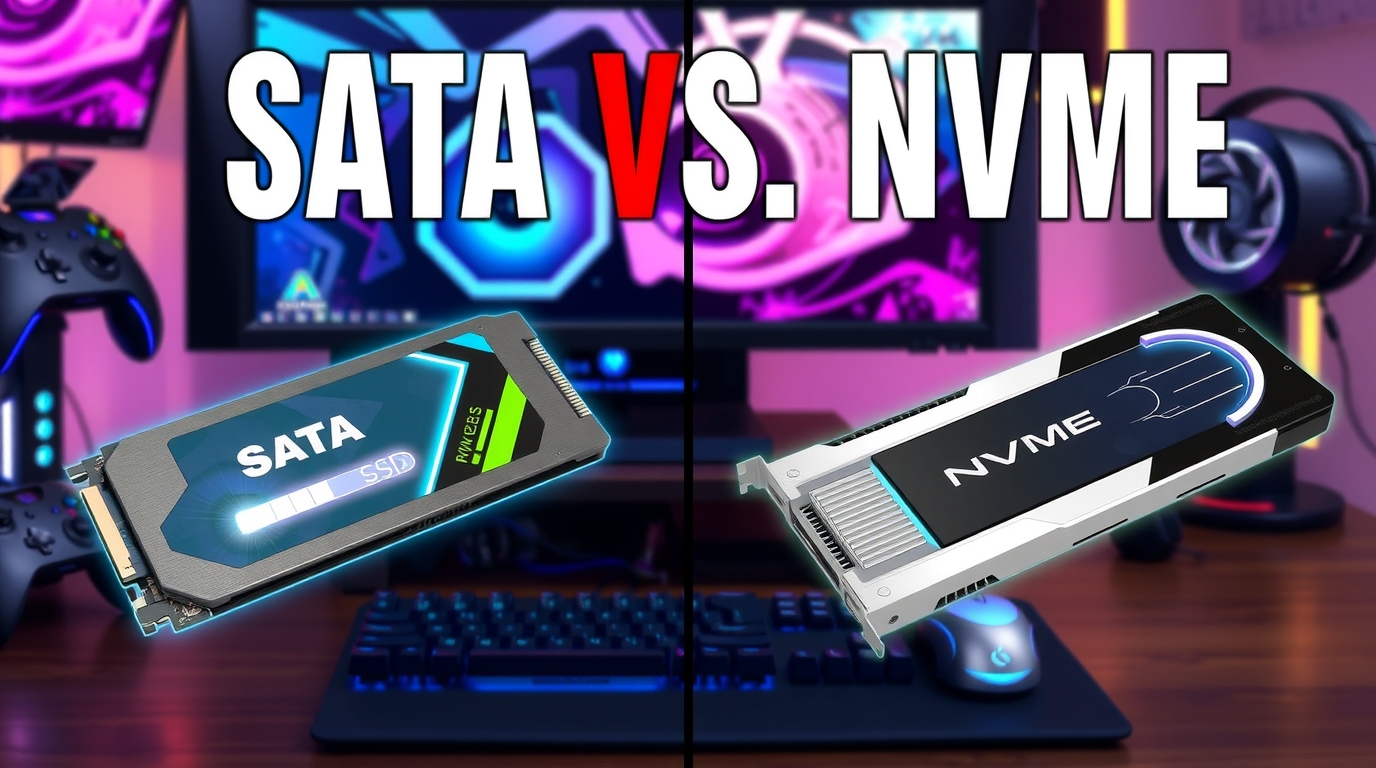
Visual illustration: InfoHelm
Rule #1: NVMe almost never increases FPS
If you’re expecting higher frame rates, NVMe usually won’t deliver that. FPS is primarily a GPU/CPU story. Storage matters when the game needs to fetch data: levels, textures, audio, models, shaders, and world streaming.
NVMe can reduce friction (fewer hiccups), but raw FPS changes are typically minimal.
Where NVMe truly helps
1) Level loads and fast travel
The most obvious win is shorter loading times: booting the game, entering levels, fast travel, respawns. However, SATA vs NVMe often isn’t a dramatic “10x” jump, because games rarely read data in perfect sequential bursts.
Still, in titles that pull large asset packs quickly, NVMe can be noticeably faster.
2) Open-world asset streaming
Modern open-world games constantly stream data as you move. NVMe can help via:
- faster random reads (lots of small files),
- less waiting when new assets are pulled in,
- potentially reduced texture pop-in in some situations.
The biggest leap remains HDD → any SSD. But SATA SSD → NVMe can improve smoothness in certain titles and areas.
3) Stutter from I/O pressure (in specific games)
Some games hitch because assets can’t be fetched in time. NVMe may reduce those spikes—but it’s not magic. Stutter is often driven by CPU decompression, shader compilation, or game-side optimization.
Where the difference is often small (SATA SSD is “fast enough”)
1) Competitive/esports titles
Games like CS2, Valorant, LoL, Dota, and many battle royales typically don’t stress storage after initial loads. SATA SSDs already remove most of the pain compared to HDDs.
2) CPU/GPU-limited scenarios
If your GPU is pegged at 95–99% or you’re CPU-bound, NVMe won’t change much. In those cases, upgrades are better spent on GPU/CPU/RAM or settings tuning.
DirectStorage and why NVMe is part of the “next step”
NVMe became a bigger gaming talking point because newer I/O approaches aim to reduce CPU overhead and improve asset streaming. DirectStorage (on Windows) targets faster asset delivery and fewer bottlenecks.
Reality check: adoption is gradual, and benefits depend on how the game implements it. NVMe is a strong foundation, but not every game is equally “NVMe-friendly.”
What matters more than “Gen4 vs Gen5”
For gaming, these factors often matter more than chasing peak throughput:
- Capacity: modern games are huge; constantly reinstalling wastes more time than you save.
- Sustained performance: some budget drives slow down under long writes or when nearly full.
- DRAM cache / HMB quality: can affect consistency in random access and system responsiveness.
- Thermals: NVMe drives can throttle if they run hot (especially in tight cases).
Practical recommendations
- On an HDD? Any SSD is a massive upgrade for load times and overall feel.
- Already on SATA SSD? NVMe makes the most sense if you play modern open-world/AAA games and want smoother streaming + future-ready storage.
- Buying a new PC? NVMe is the default choice today, but prioritize price-to-capacity and consistency over headline speeds.
- On a tight budget? A larger, reliable SSD plus a stronger GPU/CPU is often better than a top-tier NVMe with compromises elsewhere.
Conclusion
NVMe SSDs typically improve loading times and, in some games, asset streaming smoothness, but they rarely improve FPS directly. The biggest jump is still HDD → SSD. If you already have a SATA SSD, moving to NVMe is a quality-of-life upgrade that shines most in modern AAA and open-world titles—and it’s a solid base for newer I/O pipelines.
Note: This article is educational and informational.