Passwords have been the standard for decades, but they come with one tiny problem: humans are human. We reuse the same password, fall for phishing links, or get caught in a data breach.
That’s why passkeys have become one of the most practical upgrades in digital security in recent years: passwordless login with better protection and less frustration.
What is a passkey (as simply as possible)
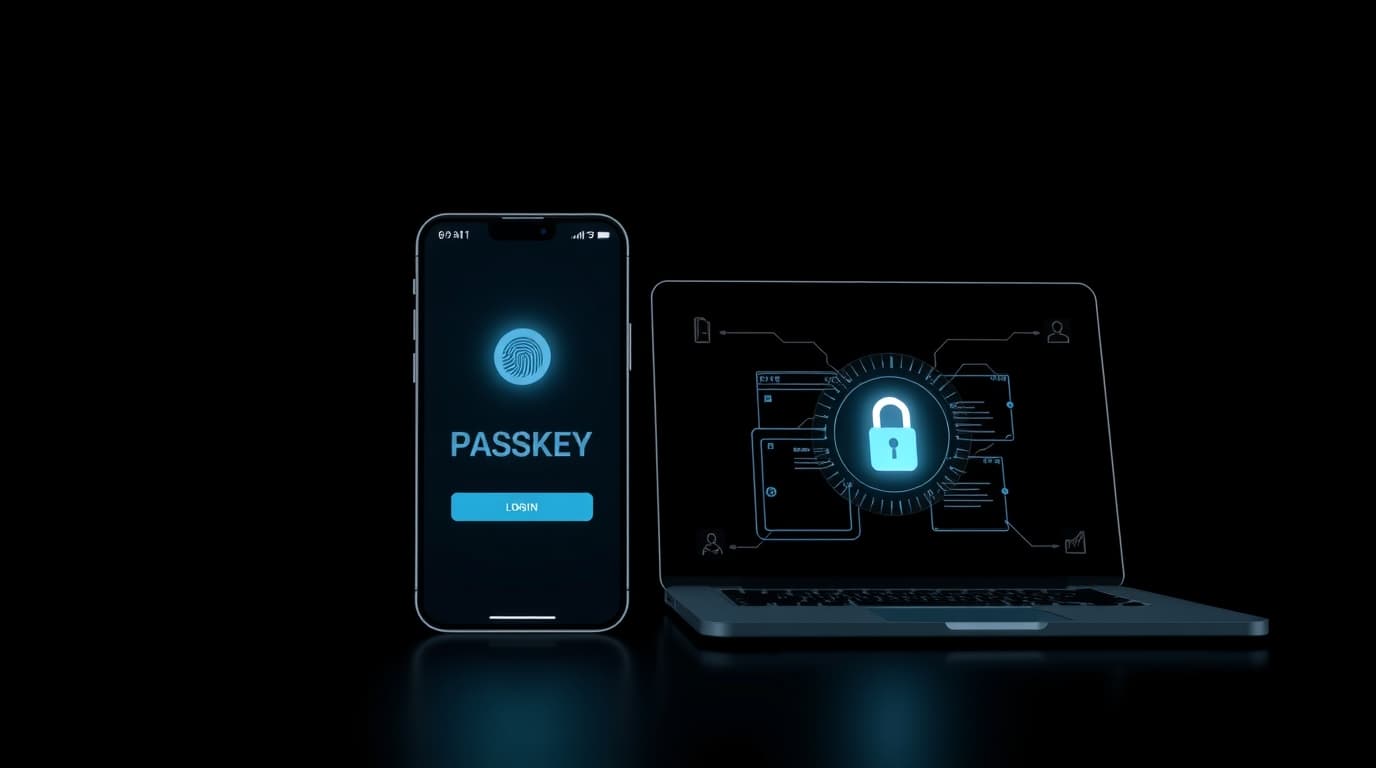
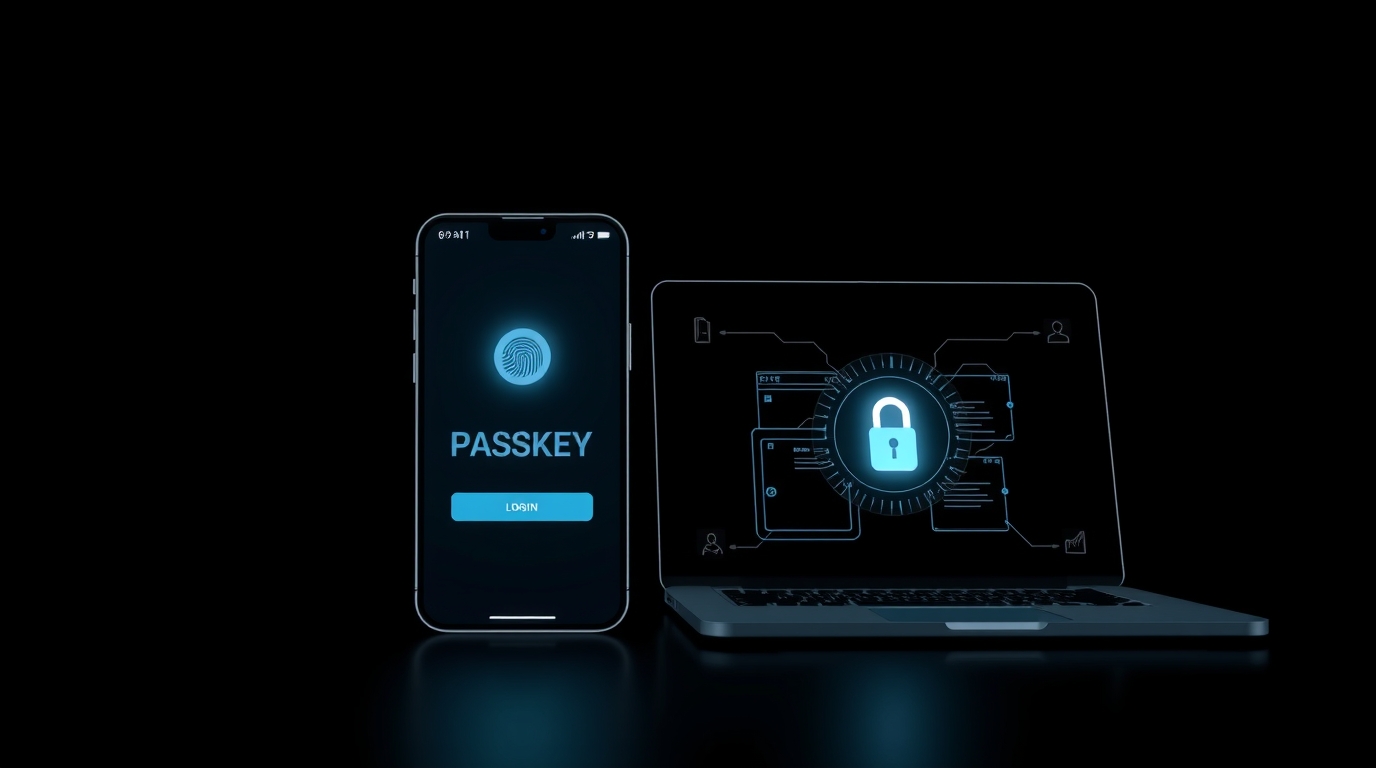
A passkey is a login method that replaces passwords with a cryptographic key pair:
- the private key stays with you (on your device / in your account manager)
- the public key is stored by the service you’re logging into
When you sign in, your device proves it has the private key—without sending a password over the internet.
Why this is safer than passwords
1) Phishing becomes much harder
With passwords, a fake site can steal what you type.
With passkeys, there’s no password to “hand over” in the same way.
2) No more password reuse
One of the biggest real-world failures is using the same password everywhere. Passkeys naturally eliminate that.
3) Fewer “password reset” disasters
Password reset flows are often the weakest link (email compromise, SIM swap, social engineering). Passkeys reduce the need for resets.
4) Biometrics are a trigger, not the secret
Your fingerprint or Face ID isn’t what gets sent to a website. It’s simply how you approve using the private key on your own device.
What’s the downside? (so this doesn’t read like an ad)
Passkeys are great, but here’s where people can get stuck:
- New phone/laptop: you need sync or backup within your ecosystem or account manager.
- Multiple devices: ideally you’ll have at least two devices connected, or a backup sign-in method.
- Legacy websites: not every service supports passkeys yet.
The good news: most platforms roll passkeys out gradually and usually keep a fallback option (like one-time codes or another factor).
How to switch to passkeys without stress
A practical, safe approach:
-
Start with your most important accounts
Email, cloud account, financial services, main social accounts—anything that’s a “master key” to everything else. -
Don’t disable all alternatives right away
Until you’re confident passkeys work across your devices, keep a backup option (backup codes, a second device, 2FA). -
Secure your device
Screen PIN/passcode + biometrics matter more, because the device becomes your access hub. -
Store backup codes offline (if offered)
Paper or a secure offline record. Not a random screenshot folder.
Passkeys vs 2FA: do you still need 2FA?
In many cases, passkeys already deliver what 2FA was meant to protect against (especially stolen passwords).
Still, for critical accounts, an extra backup layer (backup codes or another factor) can be smart—especially while the ecosystem isn’t perfectly consistent everywhere.
Conclusion
Passkeys are a real step toward a world where:
- you don’t memorize passwords,
- phishing is much less effective,
- and “reset password” drama goes way down.
The smartest move is to switch gradually: start with key accounts and make sure you have a backup path until you’re fully comfortable.
Note: This article is educational and does not constitute a security audit or professional cybersecurity advice.