
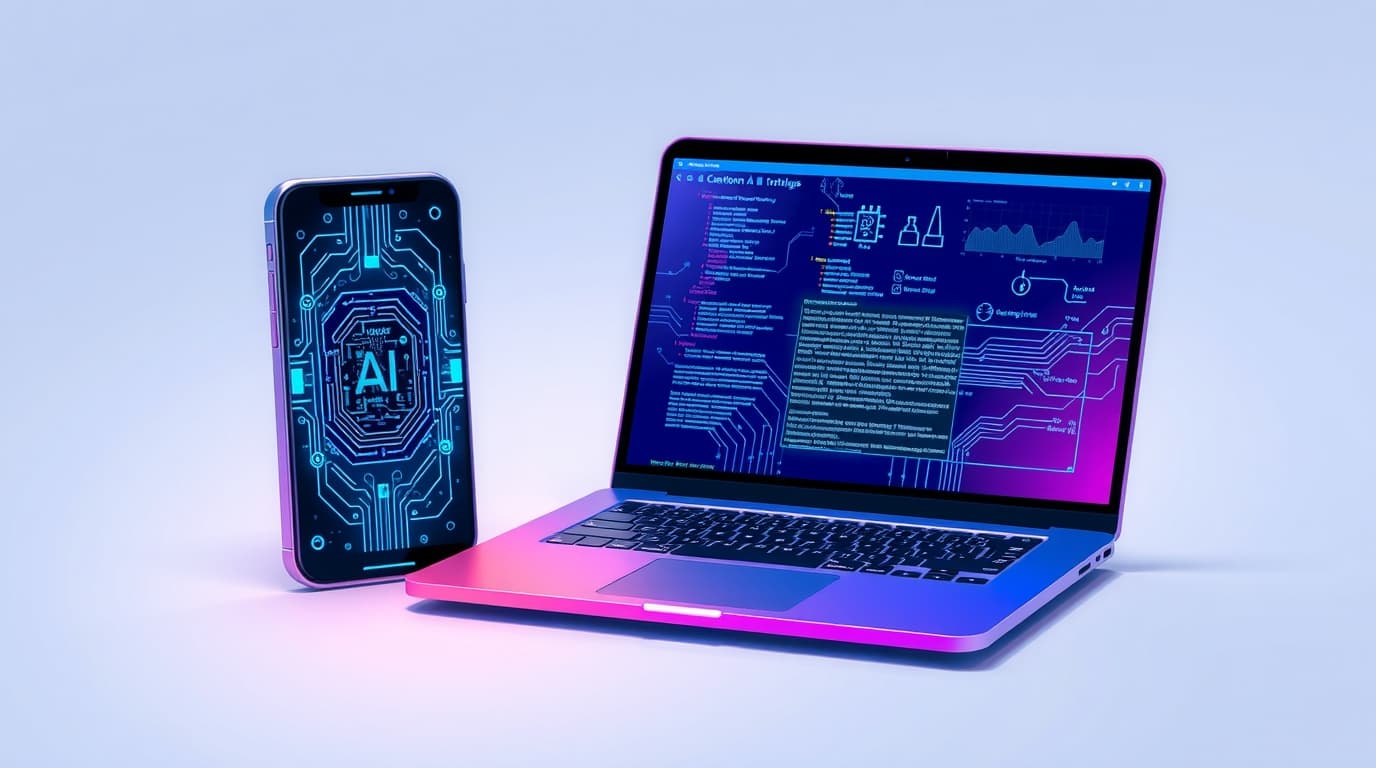
Edge AI (on-device): why AI is moving onto your device
For years, “serious” AI lived in the cloud: you send text, images, or audio to a server and get a response back. That’s changing fast. A growing number of AI features now run directly on your phone or laptop — locally, without automatically sending your data to the internet.
This approach is usually called edge AI or on-device AI. It’s not just marketing. New chip blocks (NPUs), more efficient models, and smarter software pipelines are making it practical to split AI work between your device and the cloud.
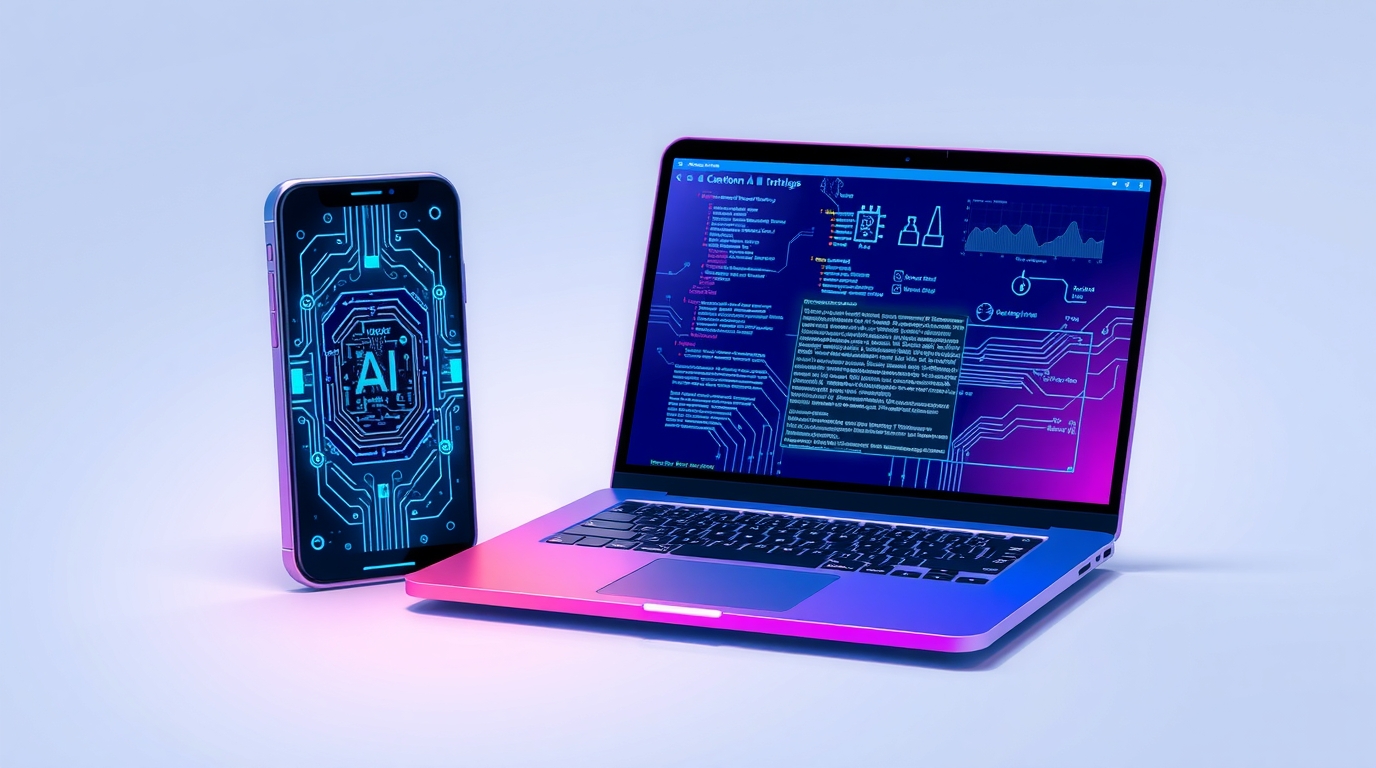
Visual illustration: InfoHelm
What “on-device AI” actually means
On-device AI means inference happens locally: your device processes inputs and produces outputs without requiring a round trip to a server. Typical examples include:
- speech-to-text transcription,
- smart photo and video enhancement,
- summarization and translation,
- searching and “understanding” local documents,
- lightweight assistants that can work offline for basic tasks.
In reality, many products use a hybrid setup: privacy-sensitive and quick tasks run locally, while heavier requests fall back to the cloud.
Why it’s happening now
Three shifts pushed edge AI into the mainstream:
-
NPUs and dedicated accelerators
Modern phones and laptops increasingly include hardware designed to run AI workloads efficiently. -
Smaller, optimized models
Techniques like quantization and distillation make models fast enough to run locally with acceptable quality. -
Cost and privacy pressure
Cloud inference costs money at scale and raises data concerns. Local execution can reduce per-user costs and limit what leaves the device.
The upside: speed, privacy, and offline reliability
Lower latency: fewer network round trips.
Stronger privacy: less content transmitted or stored elsewhere.
Offline capability: core features keep working without internet.
Better scaling: fewer cloud bottlenecks as user counts grow.
The trade-offs: not every task fits in your pocket
On-device AI has real constraints:
- Quality limits: smaller models can struggle with complex reasoning.
- Battery/thermals: sustained inference may drain power and generate heat.
- Storage and memory: models take space, especially if multiple are shipped.
- Updates and security: local models and prompt logic still need patching and versioning.
That’s why hybrid architectures often win.
How to spot “good” edge AI
When evaluating a device or app, look for:
- Clear disclosure of what runs locally vs what goes to the cloud
- A real offline mode (at least for core features)
- Privacy controls (opt-out of sending content)
- Consistent performance that isn’t gated by network quality
- Transparent data retention and handling policies
If none of that is clear, “on-device AI” may be little more than a tagline.
What it means for teams and products
Edge AI unlocks practical options:
- local handling of sensitive documents (lower compliance risk),
- reduced cloud costs for frequent lightweight tasks,
- better UX in low-connectivity environments,
- tiered experiences: local “light” features, cloud “pro” features.
A strong default pattern is: local preprocessing + smart routing + cloud only when needed.
Conclusion
Edge AI won’t replace cloud models, but it’s becoming a core layer of modern AI products. The best experiences combine both worlds: local where privacy and speed matter, cloud where scale and heavy reasoning are required.
Note: This article is educational and informational.