How to choose headphones: ANC, codecs, and latency (without the marketing fog)
Buying headphones got weird. Boxes are covered in “Hi-Res,” “Ultra ANC,” “Low Latency,” “Spatial Audio,” yet you can still end up with a pair that sounds great but lags in games, cancels noise well but feels like pressure in your ears, or is perfect for calls but thin for music.
The good news: you don’t need an audio engineering degree. If you understand three things—ANC, Bluetooth codecs, and latency—you can make a confident choice based on how you actually use them.
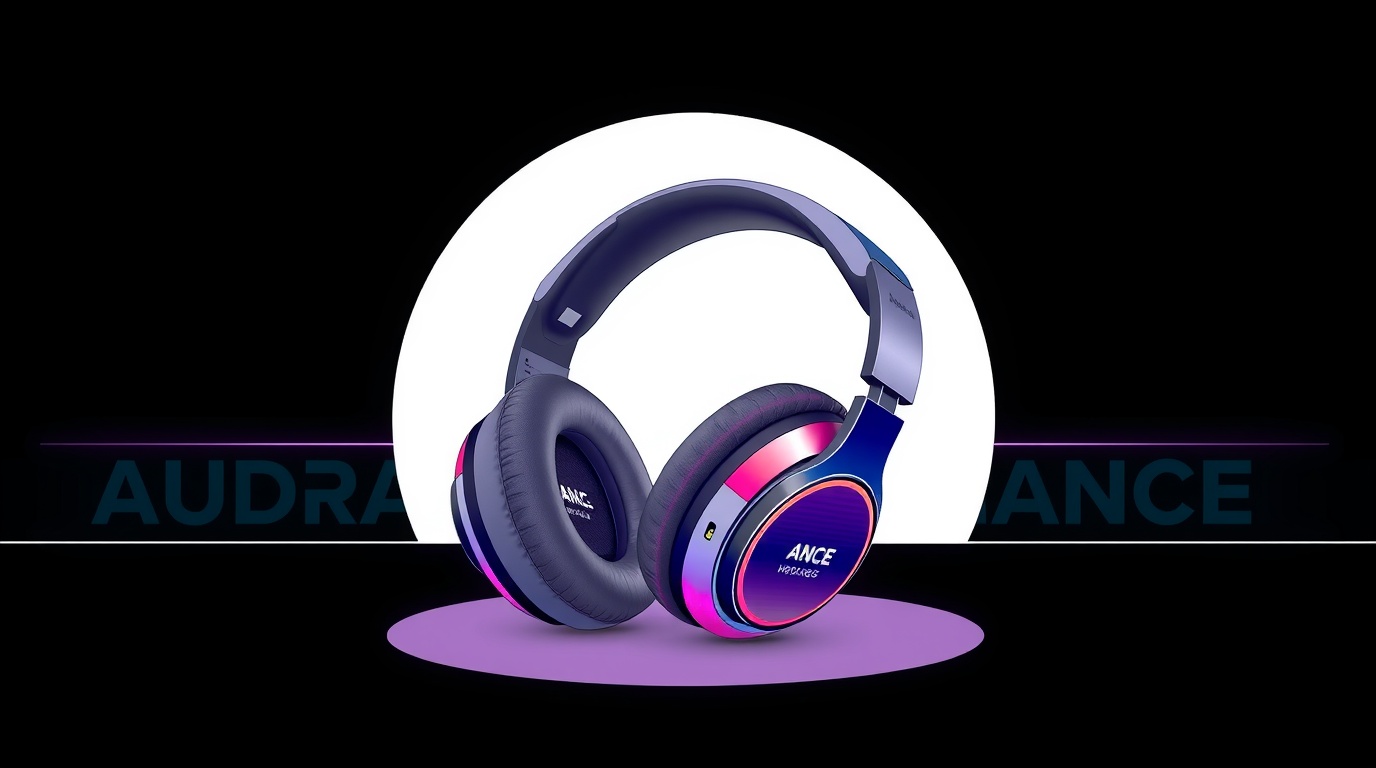
Visual illustration: InfoHelm
1) Start with the use case
Before specs, pick your primary use:
- Travel / office noise: ANC + comfort + battery
- Calls / meetings: microphone quality + noise reduction
- Music quality: tuning + fit/seal + EQ options
- Gaming / video: latency + stability (wired or 2.4 GHz dongle often wins)
- Workouts: secure fit + sweat resistance
Once you know the use case, specs become much easier to filter.
2) ANC: what it is (and what it isn’t)
ANC (Active Noise Cancelling) uses microphones and anti-noise signals. It’s strongest against:
- steady low-frequency noise (planes, buses, AC hum),
- constant background rumble.
It’s not perfect for:
- sudden sharp noises,
- nearby voices (it can help, but it’s not magic).
“Pressure” feeling and fatigue
Some people feel ear pressure or mild discomfort. If you’re sensitive:
- look for adjustable ANC strength,
- try before buying if possible,
- consider over-ear models with strong passive isolation.
Transparency / ambient mode
If you walk outside, a good transparency mode matters. Great transparency sounds natural; poor transparency sounds metallic and artificial.
3) Bluetooth codecs: SBC, AAC, aptX, LDAC—what matters
A codec is the “packaging” for audio over Bluetooth. Important note: codecs matter, but they’re not the whole story. Great tuning on a basic codec can beat a poorly tuned “Hi-Res” pair.
Practical overview:
- SBC: baseline, works everywhere, quality varies.
- AAC: often the best, most consistent option on iPhone.
- aptX / aptX HD / aptX Adaptive: common on Android; Adaptive is the most flexible.
- LDAC: high-bitrate option (mostly Android), sometimes less stable in crowded RF environments.
Time-saving rule: your phone and headphones must support the same codec to use it. If you’re on iPhone, LDAC support on the headphones won’t help.
4) Latency: when delay becomes a problem
Latency is audio delay vs video. For music, it’s irrelevant. For video, apps often compensate. For games, it can be a real issue.
Latency matters most for:
- competitive gaming,
- rhythm games,
- instrument apps.
Best options for gaming:
- wired (lowest latency),
- 2.4 GHz dongle wireless (often better than Bluetooth for PC/console),
- Bluetooth “low latency” modes can help but depend on device support.
5) In-ear vs over-ear
In-ear (TWS): portable, great isolation with a good seal, but fit depends on your ear shape and tips.
Over-ear: often more comfortable for long sessions and more consistent sound, but bulkier.
6) Microphones and calls
For calls, prioritize:
- voice isolation in noise,
- wind handling,
- connection stability and noise reduction algorithms.
If calls are your priority, look for mic tests—not just music sound reviews.
7) Quick checklist before buying
- Primary use case?
- Does your phone support the codecs the headphones advertise?
- Do you need ANC, and are you sensitive to “pressure”?
- Is latency important for your use (gaming)?
- In-ear fit vs over-ear comfort?
- App support (EQ, ANC levels, firmware updates)?
Conclusion
The best headphones aren’t the ones with the most badges—they’re the ones that match your real scenario. Travel: ANC and comfort. Calls: microphones and noise reduction. Gaming: latency and stability. Codecs are useful, but they’re often the finishing touch, not the foundation.
Note: This article is educational and informational.